Showroom hours: Monday - Friday (9a-5p) | Get Directions
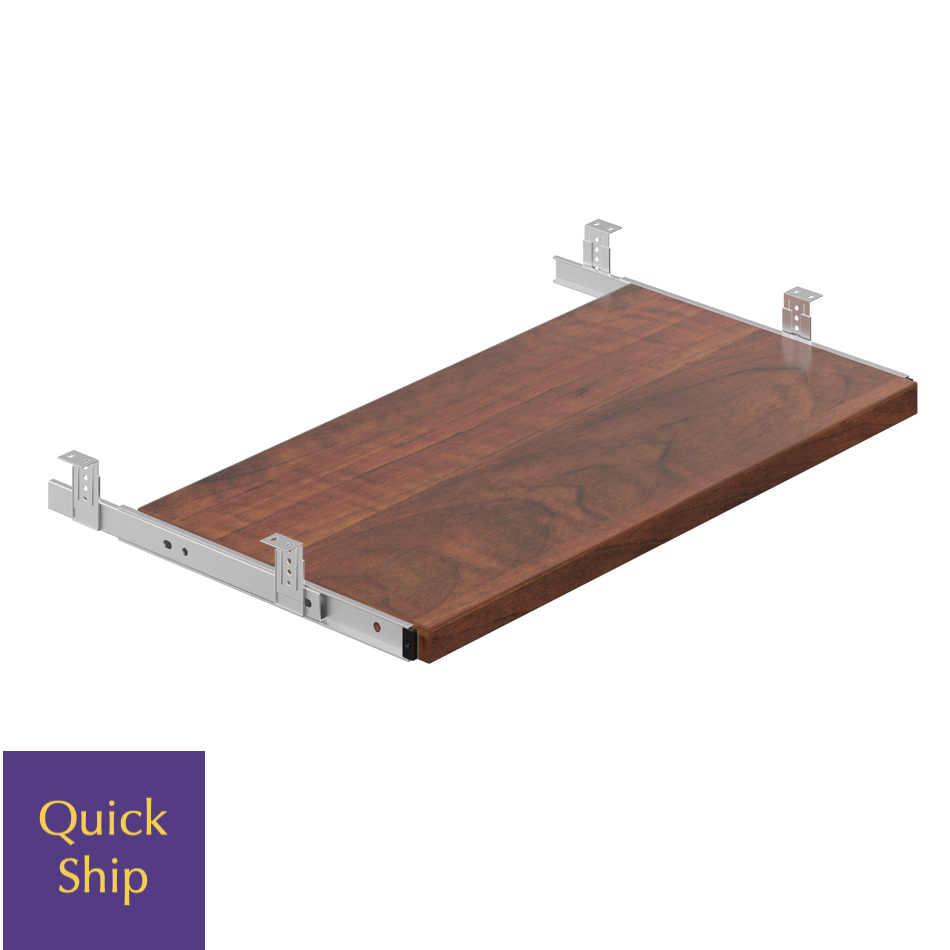
The Keyboard Tray 4 is designed to enhance your workspace ergonomics by providing a flexible and efficient solution for keyboard placement. By adjusting the height and angle of the tray, users can achieve a comfortable typing position that reduces strain on the wrists and shoulders. This innovation in design not only improves comfort but also contributes to better productivity throughout the workday.
This keyboard tray is constructed with high-quality materials that ensure durability and stability during use. It can accommodate various keyboard sizes and styles, making it a versatile addition to any office setup. With its sleek design, the Keyboard Tray 4 seamlessly integrates into your workspace, allowing you to maintain a clean and organized environment.
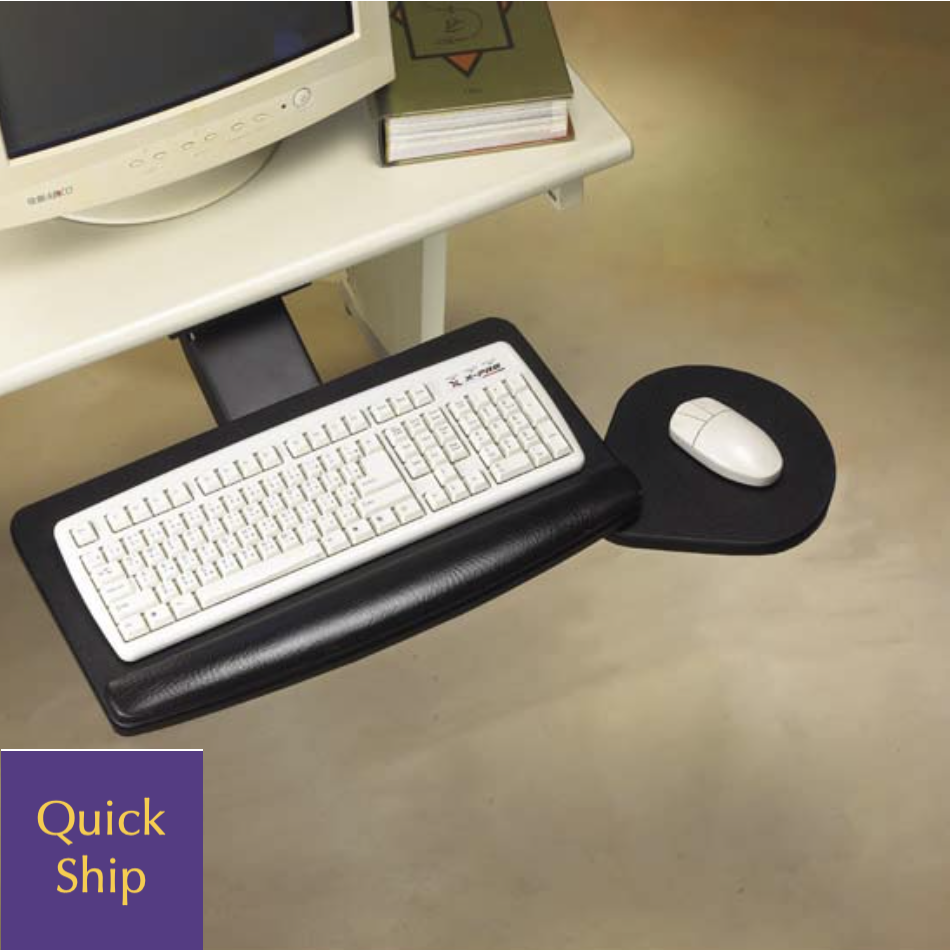
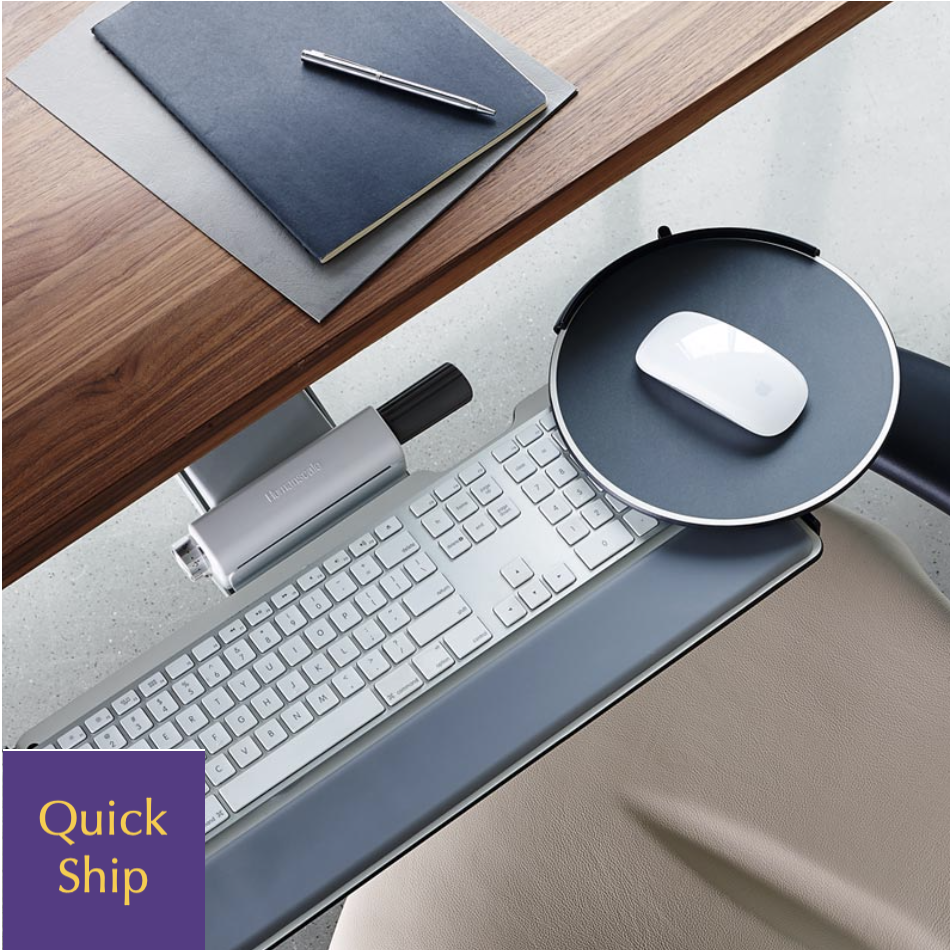
Incorporating a keyboard tray into your workstation can significantly enhance your ergonomic setup. It allows for proper positioning of the keyboard and mouse, keeping them at a level that promotes healthy posture and reduces the risk of repetitive strain injuries. This adjustment can lead to decreased discomfort and fatigue during long hours of computer use.
Another notable benefit is the increase in available desk space. By moving your keyboard off the desktop, you free up valuable real estate for other work materials and eliminate clutter, resulting in a more organized workspace. A cleaner desk can help improve focus and efficiency, contributing to overall better work performance.
Installing the Keyboard Tray 4 is a straightforward process that typically requires minimal tools. Most trays come with comprehensive instructions to guide users through the installation procedure, ensuring it is hassle-free even for those less experienced. Proper installation ensures that the tray functions correctly and provides the intended ergonomic benefits.
Maintaining your Keyboard Tray 4 is essential for ensuring its longevity and optimal performance. Regular cleaning can help prevent dust buildup and keep the tray looking its best. A simple wipe down with a soft cloth and mild cleaning solution is usually sufficient to keep it in excellent condition.
Additionally, it's important to periodically check the hardware to ensure that all components are secure. Over time, adjustments may become loose due to regular use, so tightening screws and adjusting settings can help maintain functionality. Following these maintenance tips will keep your Keyboard Tray 4 functioning effectively while extending its lifespan.