Showroom hours: Monday - Friday (9a-5p) | Get Directions
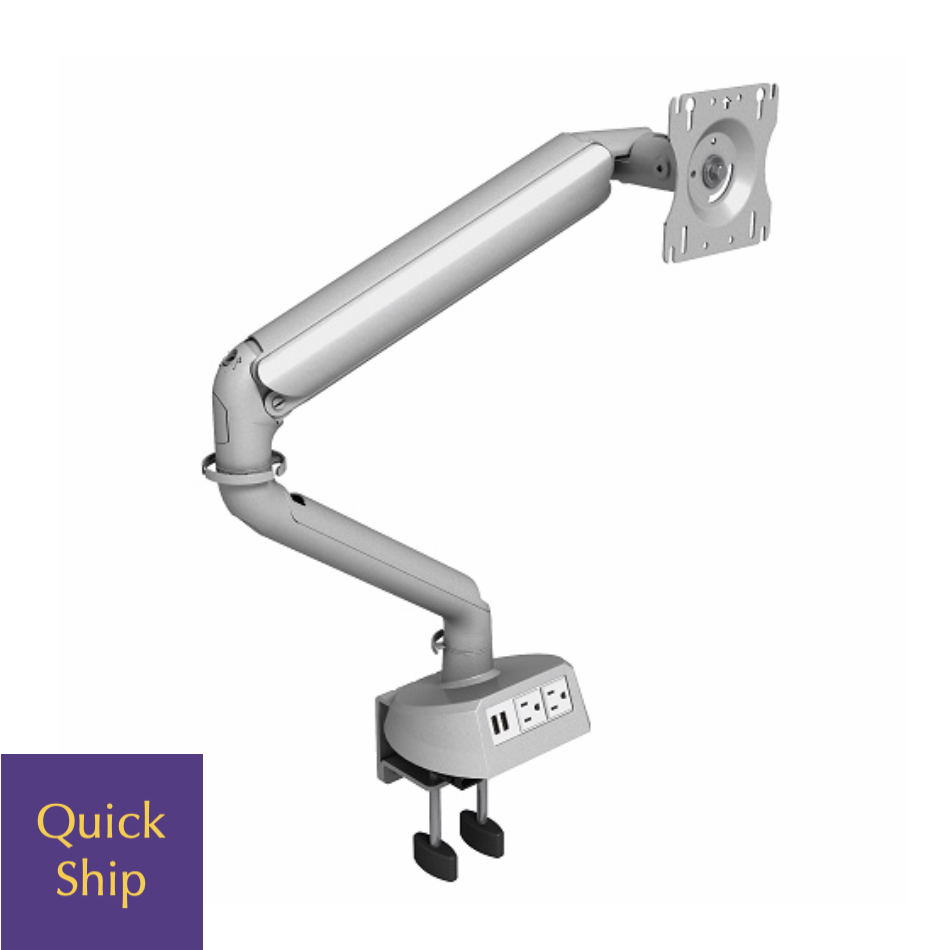
The Monitor Arm 5 is designed to enhance your workspace ergonomics by providing flexibility and comfort. Its sleek design allows you to adjust the height, depth, and angle of your monitor, ensuring that you maintain a natural posture while working. This adaptability can lead to increased productivity and reduced strain on your neck and eyes, making it an essential accessory for any office environment.
Constructed with high-quality materials, the Monitor Arm 5 boasts durability and stability. It can support various monitor sizes and weights, ensuring it meets the needs of different users. Additionally, its easy installation process means you can have your monitor set up and adjusted in no time, allowing you to focus on your work rather than your equipment.
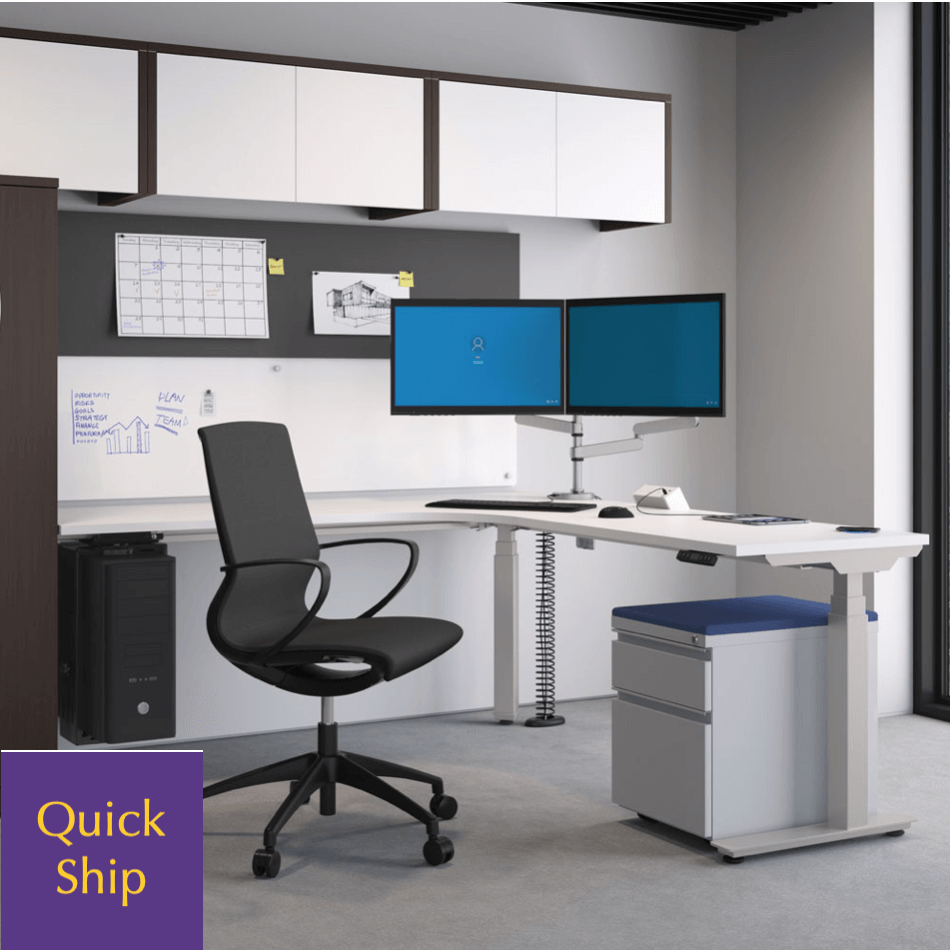
Utilizing a monitor arm like the Monitor Arm 5 can significantly improve your workstation. One of the key benefits is the ability to free up desk space, allowing you to organize your work area more effectively. With a mounted monitor, you gain extra room for important items such as files, accessories, or personal items, contributing to a more efficient work environment.
Another substantial benefit is the enhancement of your visual alignment. With adjustable features, you can position your monitor at eye level, which can mitigate eye strain and discomfort often associated with prolonged computer use. This not only supports your comfort but promotes better focus and productivity throughout your workday.
Installing the Monitor Arm 5 is straightforward, but it’s crucial to follow the provided instructions closely for optimal results. Start by ensuring that your desk can accommodate the monitor arm’s mounting requirements, and during installation, make sure it is securely affixed to avoid any accidents. Once installed, take the time to adjust the arm to your preference, checking for an appropriate height that aligns with your sitting position.
Adjustment is key to getting the most out of your monitor arm. It’s advisable to regularly reassess your setup as your needs may change over time. Make small adjustments to find the perfect angle for glare reduction and eye comfort, ensuring you maintain a healthy posture while accessing your screen efficiently.